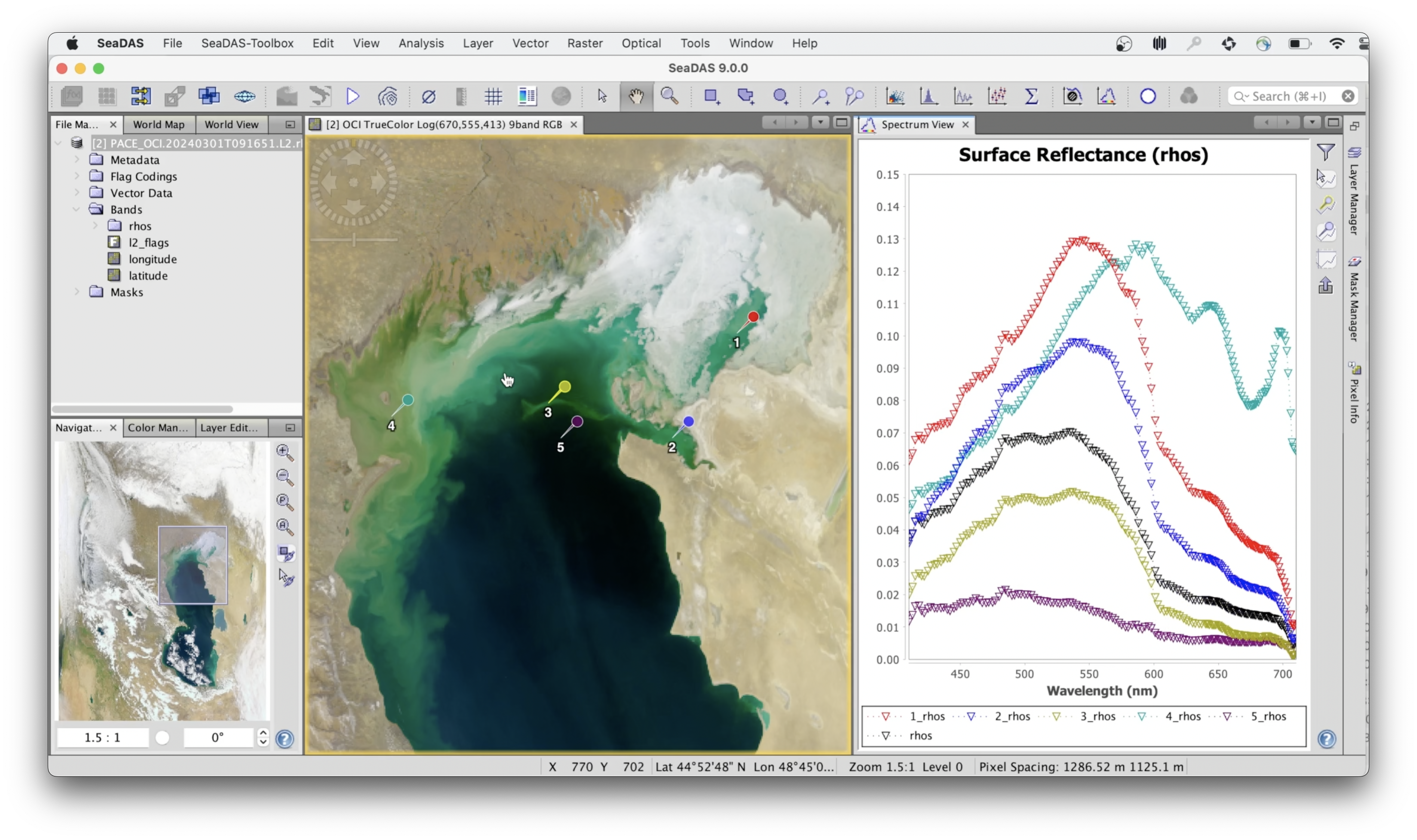
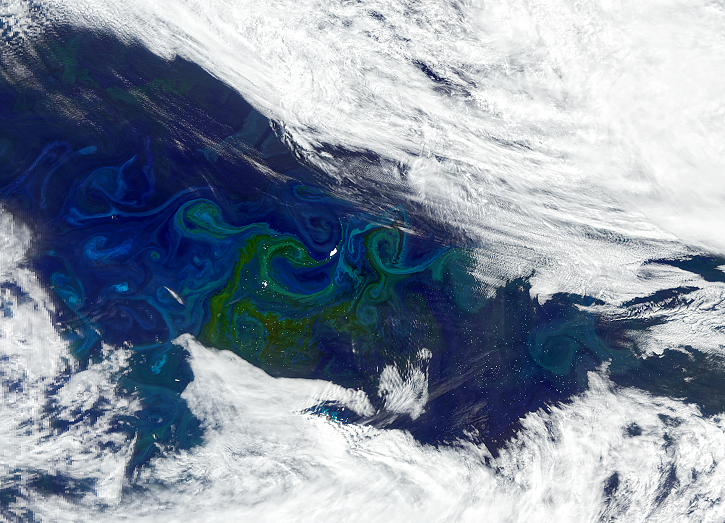
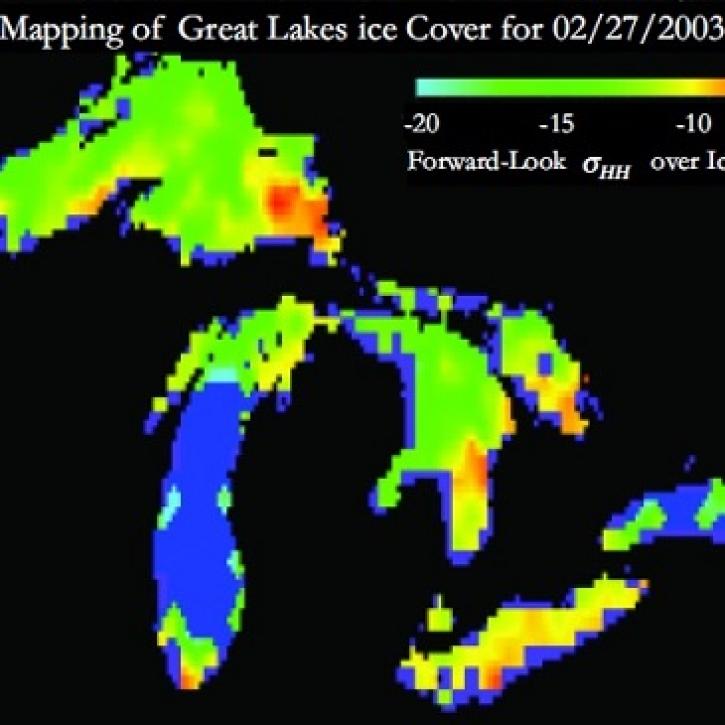
NASA's Sea, earth, atmosphere Data Analysis System (SeaDAS) is a comprehensive software package for the processing, display, analysis, and quality control of ocean color data. While the primary focus of SeaDAS is ocean color data, it is applicable to many satellite-based earth science data analyses. Originally developed to support the SeaWiFS mission, it now supports most U.S. and international ocean color missions.
The SeaDAS 10.x platform, an extension of the European Space Agency (ESA) Sentinel Application Platform (SNAP) platform, serves as an application platform to the NASA SeaDAS Toolbox and the ESA Optical Toolbox. The core elements of NASA SeaDAS science processing (both command line and GUI-based) are contained within the SeaDAS Toolbox. The NASA satellite mission data file readers and the ESA processors for the Sentinel-3 missions are contained within the Optical Toolbox.
The latest version of SeaDAS is 10.0.0, which contains SeaDAS Toolbox version 10.0.0.
The features below describe the main capabilies of the SeaDAS software. To see a list of recent feature improvements, view the release notes for the latest software distribution.
Visualization
- Very fast image display and navigation even of giga-pixel images
- Advanced layer management allows adding and manipulation of new overlays such as images of other bands, images from WMS servers or ESRI shapefiles
- Rich region-of-interest definitions for statistics and various plotting functions
- Easy bitmask definition and overlay
- Flexible band arithmetic using arbitrary mathematical expressions
- Accurate reprojection and ortho-rectification to common map projections
- Geo-coding and rectification using ground control points
- Coastline, land/water masking for navigated data
- Store and restore the current session including all opened files, views and layers
Science Processing
SeaDAS offers the ability for users to process satellite data from a number of ocean color missions (both U.S. and International) through the various processing levels:
- Level 0 to Level 1 processing is offered for the MODIS sensors on-board the Terra and Aqua spacecraft
- Level 1 to Level 2 (l2gen)
- Level 2 to Level 3 binned (l2bin)
- Temporal binning of Level 3 (l3bin)
- Mapping of Level 1 data (l1mapgen)
- Mapping of Level 2 data (l2mapgen)
- Mapping of Level 3 binned data (smigen)
- Browse file creation (l1brsgen,l2brsgen)
Statistics
- Statistics tool
- Histogram
- Scatter Plot
- Spectrum Plot
- Correlative Plot
- Profile Plot
SeaDAS 10 is available for Linux, macOS (AArch64), and Windows 10/11. For using science data processing code in Windows, see SeaDAS-OCSSW Client Server page for configuration options. The SeaDAS source code is publicly available.
Minimum Suggested Hardware
| Category | Requirement |
|---|---|
| Platforms | Linux (Intel/AMD), macOS Apple Silicon (AArch64 only), Windows 10/11 |
| Memory | Minimum: 8 GB Recommended: 16 GB+ |
| Disk Space | SeaDAS application: ~1 GB OCSSW system (all sensors): ~5 GB Additional ~10 GB recommended for data storage |
| Display | Minimum 1280×1024 resolution (HD or higher recommended) |
System Requirements
The core visualization package of SeaDAS is written in Java, and SeaDAS 10 requires Java 21. Installers for Linux, macOS (AArch64), and Windows include a bundled JRE 21, so no separate Java installation is required. Installers without a bundled JRE are also provided for users who prefer to use their own system-installed Java 21.
Supported Operating Systems
- Linux: Ubuntu 22.04 LTS or newer
- macOS: AArch64 (Apple Silicon)
- Windows: Windows 10/11 (64-bit)
Optional Compilers for OCSSW (Linux/macOS)
gcc / g++ / gfortran (8 or higher. OCSSW team uses 10)
| Program | Version | Notes |
|---|---|---|
| Java | Java 21 (JDK or JRE) | SeaDAS 10 requires Java 21. JRE-bundled installers are provided for all platforms; users may also use the non-JRE installers with their own system Java 21 installation. |
| Bash | 4.x | Required only for OCSSW science processing. Bash 3.x may work but is not officially tested. |
| Python | 3.8 or above | Required only for OCSSW science processing. The requests library (2.18+ or newer) must also be installed. |
Earthdata Authentication
Earthdata Login is required for downloading mission and ancillary data. SeaDAS uses Python’s Requests library for authenticated downloads. A valid .netrc file is required, as described on the Search and Download Methods page.
View release notes and download historical versions of the SeaDAS software package.
- Latest Release: 10.0.0
- Previous versions
Tool at a Glance
Data Tool Type
SeaDAS Learning Resources
Join Our Community of NASA Data Users
While NASA data are openly available without restriction, an Earthdata Login is required to download data and to use some tools with full functionality.
Learn About the Benefits of Earthdata LoginFrequently Asked Questions
Earthdata Forum
Our online forum provides a space for users to browse thousands of FAQs about research needs, data, and data applications. You can also submit new questions for our experts to answer.
Submit Questions to Earthdata Forumand View Expert Responses