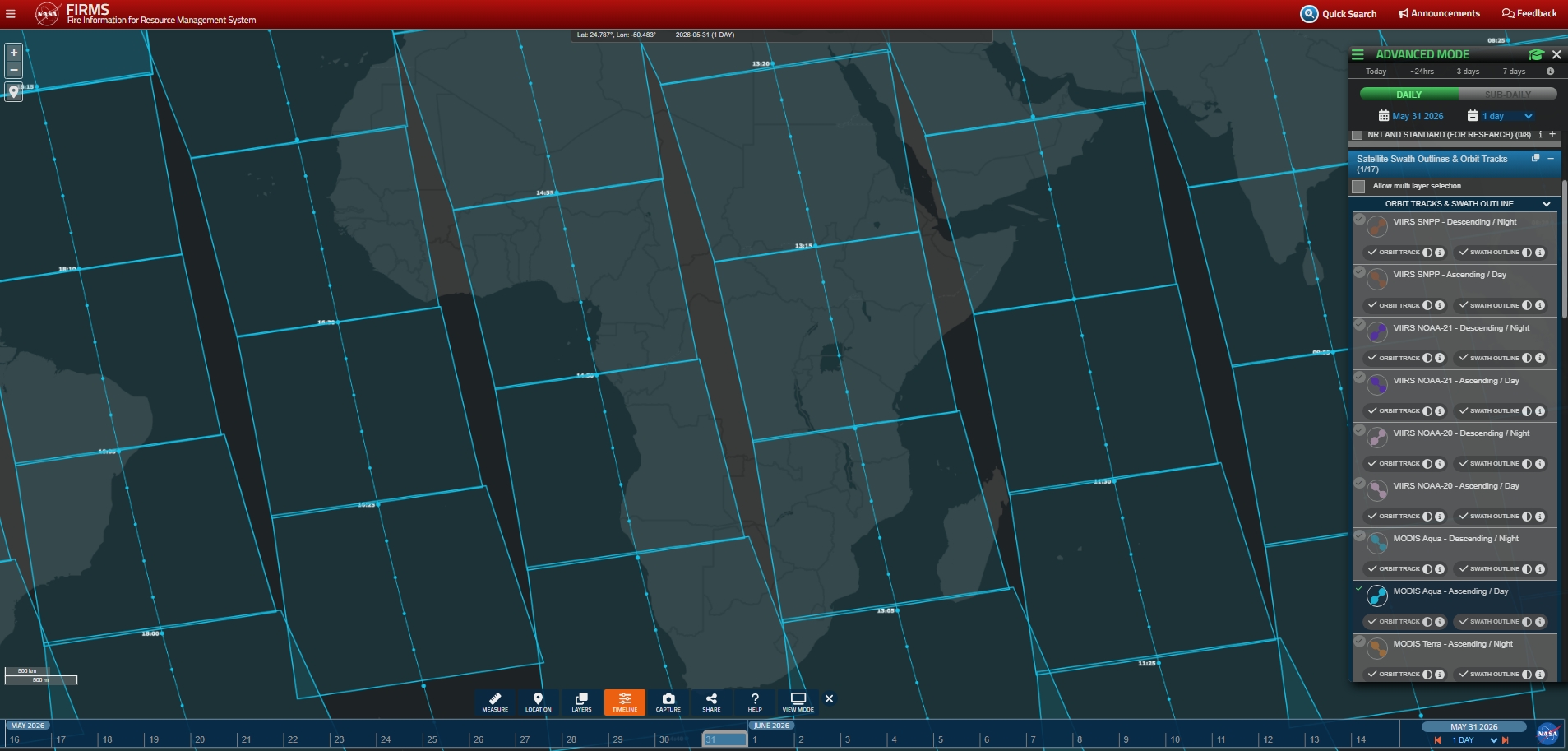
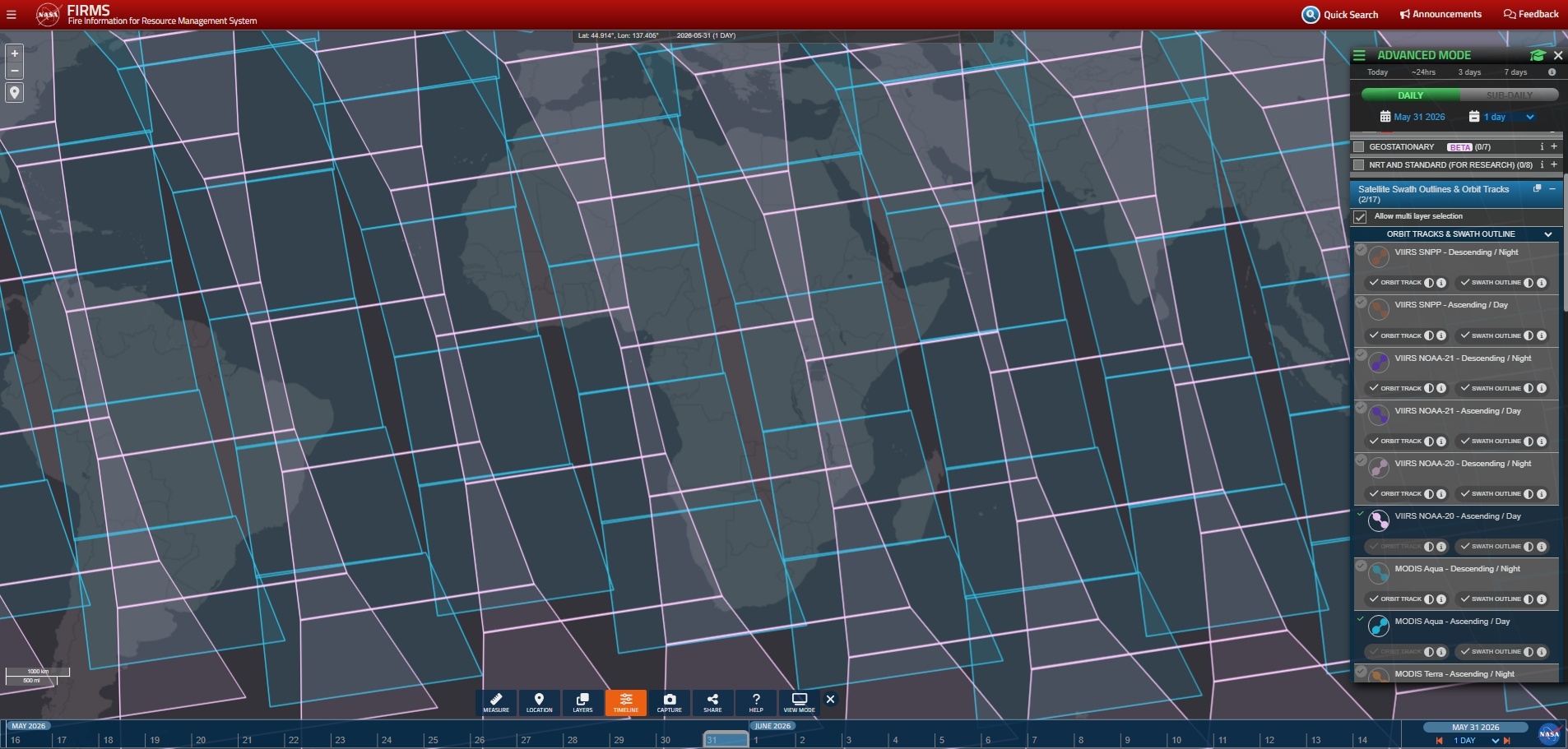
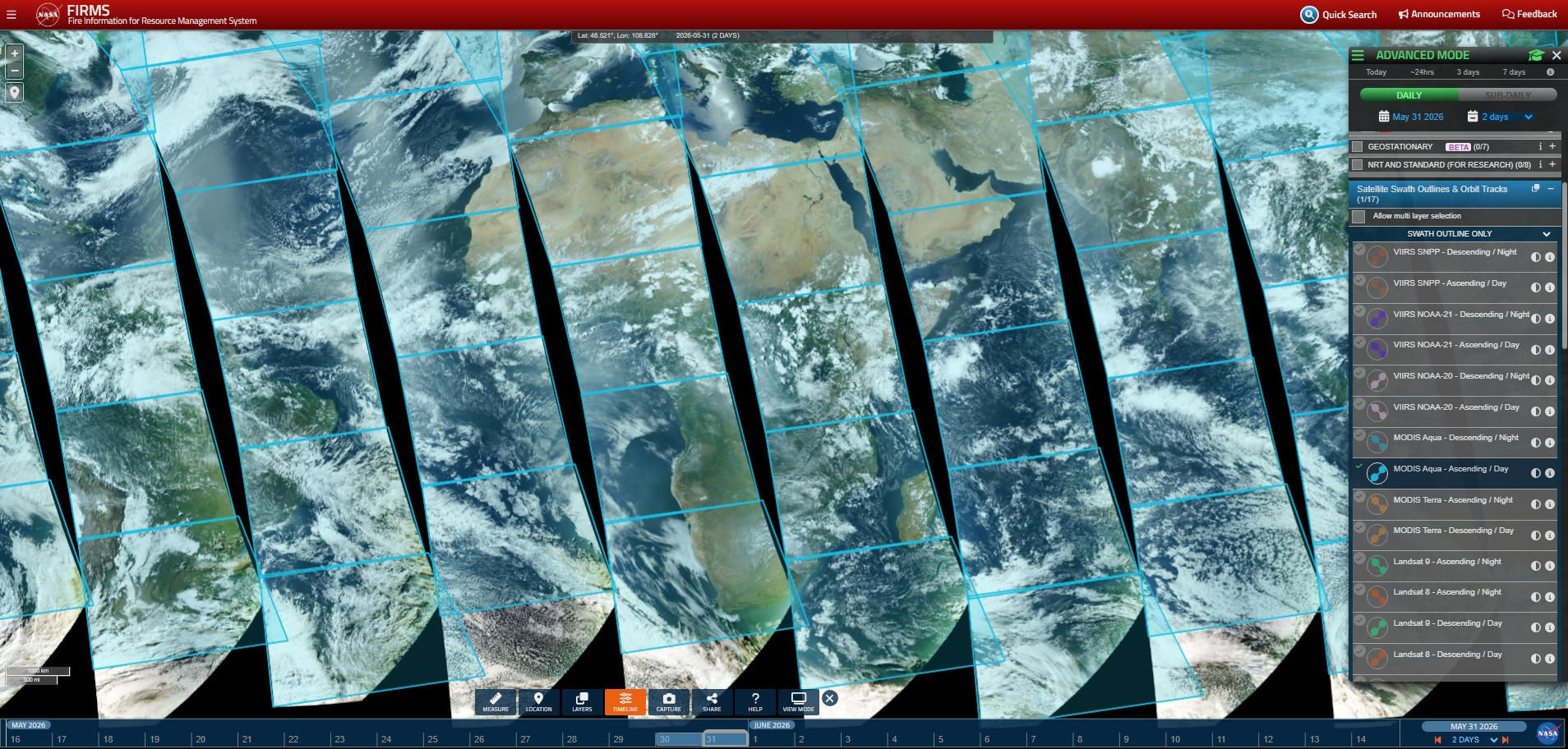
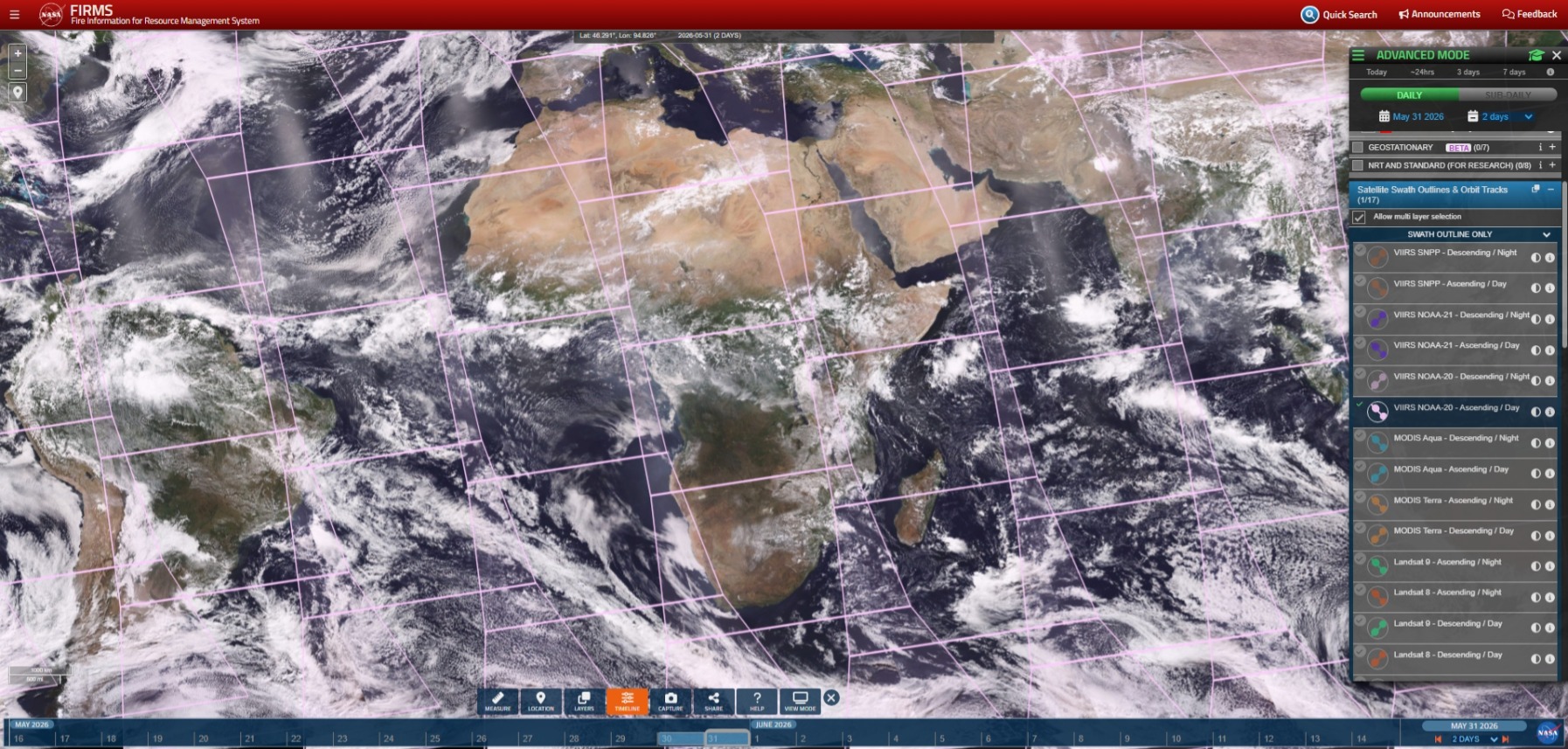
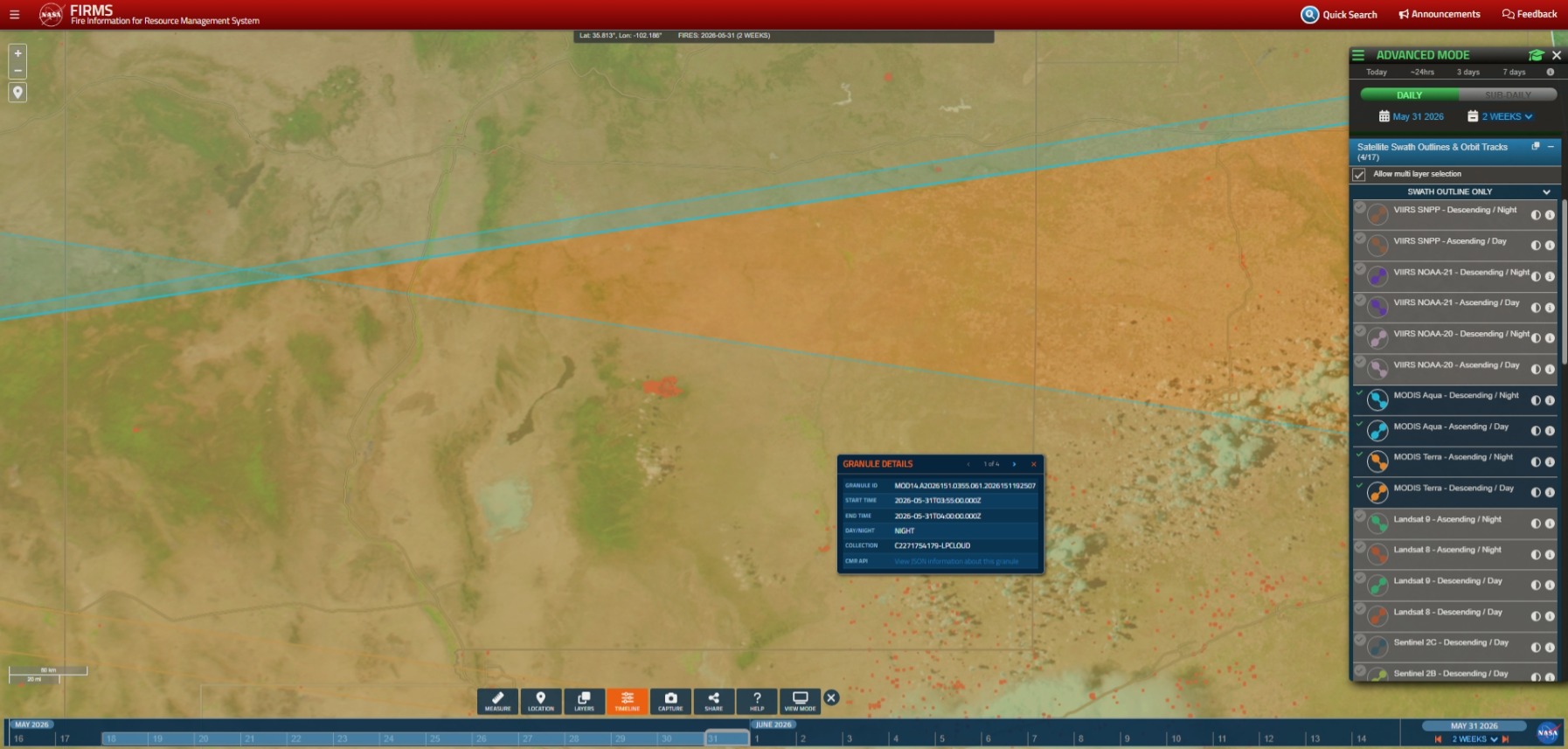
In remote sensing, a “swath” is the horizontal width of the Earth’s surface (perpendicular to the satellite’s orbit track) imaged by the sensor on a single overpass. In a previous EarthData blog, we reviewed the size of the respective swaths for each polar-orbiting satellite sensor used in NASA’s Fire Information for Resource Management System (FIRMS). The concept of a swath is crucial for users to understand the coverage, or “what is seen,” by a given satellite sensor during an overpass and to understand its relationship to temporal and spatial resolution.
FIRMS has long provided the daily ascending and descending orbit tracks of all polar-orbiting satellites used in the application. These data allow users to visualize the orbital path of a satellite over the ground during an overpass, as well as the time of observation.
FIRMS now provides the swath outlines, which show the extent of Earth’s surface within view of a sensor for each orbit. These data complement the satellite orbit track data, which is the centerline within each swath. The swath outlines are derived from the bounding coordinates in the metadata for Level-2 swath satellite products that are stored in the NASA Common Metadata Repository (CMR). These bounding coordinates are calculated and may not perfectly align in places. Consequently, users should not use them to precisely assess areas at the edge of swaths.
How to Access Swath Outline Data in FIRMS
To access the swath outlines for polar-orbiting satellite sensors in the advanced mode of the FIRMS map viewer, find the Satellite Swath Outlines & Orbit Tracks group in the legend.